
Join the Leaders Making Gaming’s Next Big Deals. GamesBeat NEXT brings 500+ executives, CEOs, founders, and investors to San Francisco, November 2–3, to shape the future of gaming, entertainment, and AI. Connect with industry leaders, forge strategic partnerships, and close deals that move business forward. Be in the room. Get your ticket.
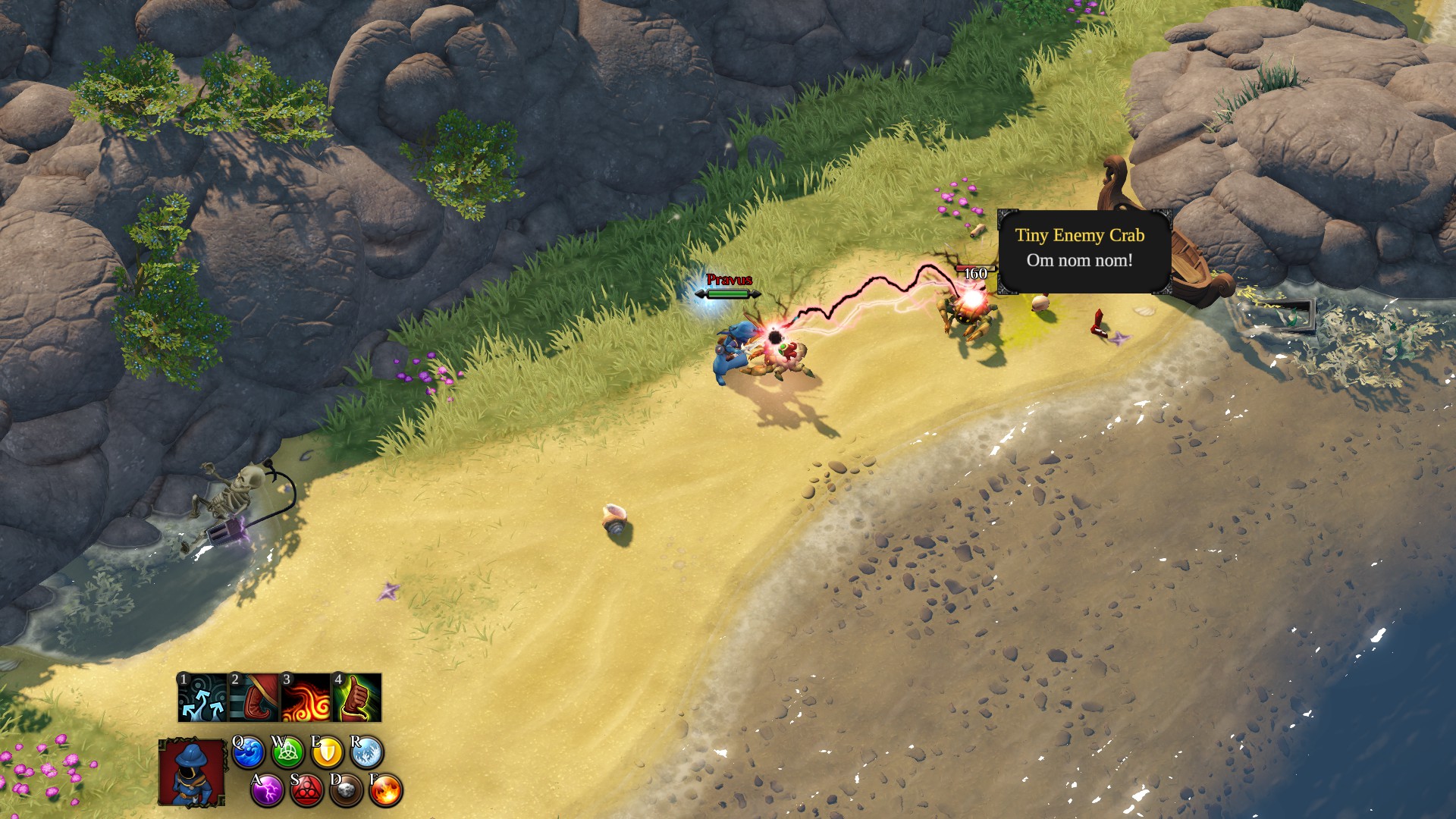
The Magicka series of action-adventure games with zany wizards and silly humor has just hit the PlayStation 4 with Magicka 2 (read the GamesBeat review), which released Tuesday. It’s a co-op game, and as I discovered last night, it’s not exactly intuitive to add-in a second player when playing on the same system.
I reached out to publisher Paradox Interactive earlier today to figure this out, and a spokesperson helped clear up the process. To add other players for local co-op, follow these directions:
- Turn on a second controller.
- When prompted to log in to your PSN account, choose to add a new user and then to play as a guest.
- Start playing Magicka 2.
- You can add a second player either by pausing a game in progress or at the main menu — look for the “Press X to Join” option for your second controller.
Happy spell-flinging!