

Join independent journalists and industry decision-makers at GamesBeat NEXT, returning to San Francisco November 2–3. The event brings together 500 executives, founders, investors and tech leaders shaping the $200 billion interactive economy for candid discussions on gaming, entertainment, technology and AI, plus executive networking and opportunities to build partnerships and close major deals.

Twitter’s new feature of adding a header image at the top of your profile is a good excuse to let your followers know you’re serious about video games.
We’re releasing seven days’ worth of gaming artwork, each with a different theme:
- Monday: The modern era
- Tuesday: Popular franchises
- Wednesday: PC
- Thursday: It came from Japan
- Friday: Mobile
- Saturday: Retro arcade
- Sunday: Consoles
Today’s batch of headers features 10 gaming consoles of the past. Right-click (or Ctrl-click for Macs) the picture you want and hit “save image as” to save to your computer. To add the header to your Twitter profile, please follow these steps:
- Sign in to your account.
- Go to “settings” and click on the “design” tab.
- Scroll down to the “customize your own” section.
- Click on “change header” and select the image you want to upload. No need to scale.
- Click “save.”
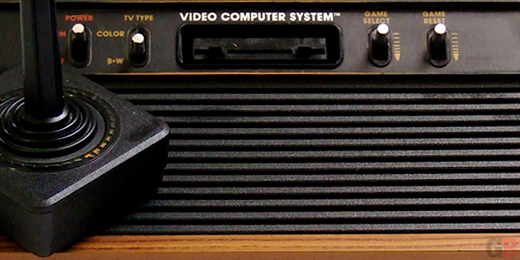
Atari 2600
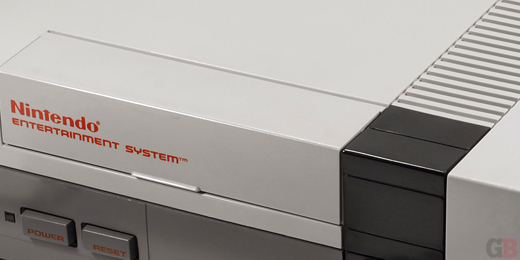
Nintendo Entertainment System
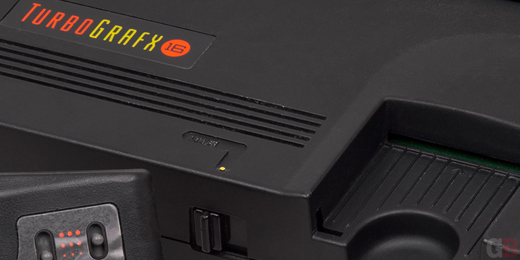
TurboGrafx-16
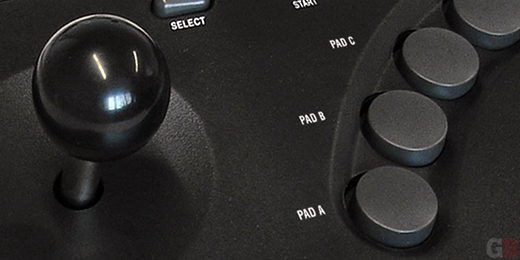
Neo Geo
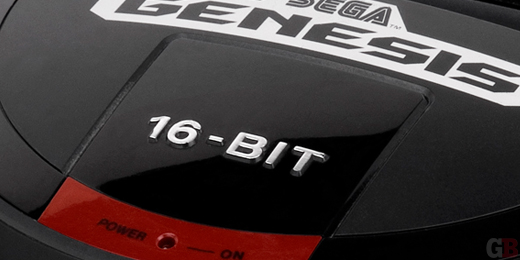
Sega Genesis
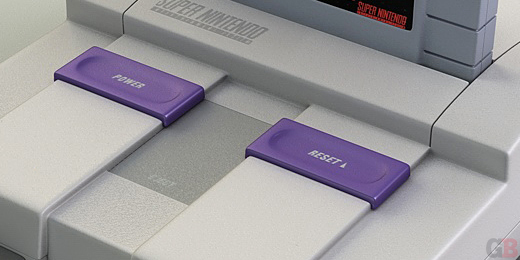
Super Nintendo
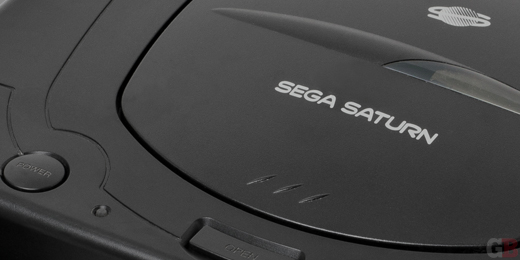
Sega Saturn
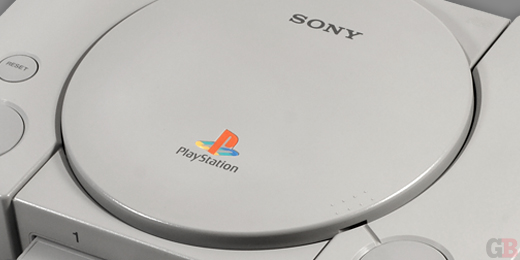
Sony PlayStation
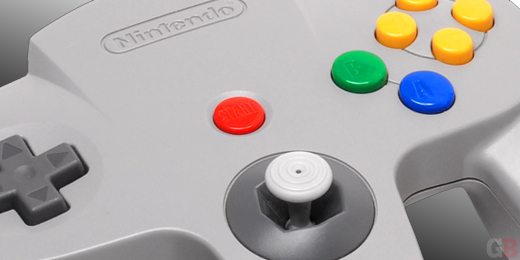
Nintendo 64
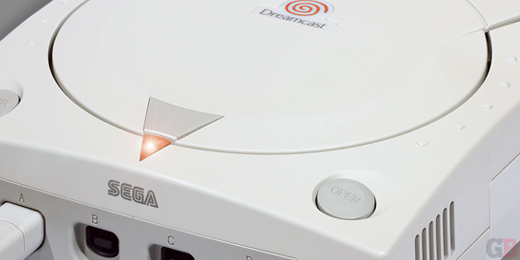
Sega Dreamcast
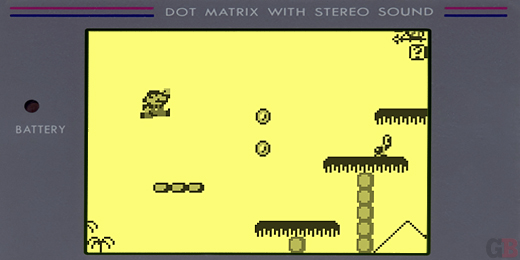
(Bonus!) Nintendo Game Boy
For gaming-themed Timeline covers for your Facebook profile, click here.