
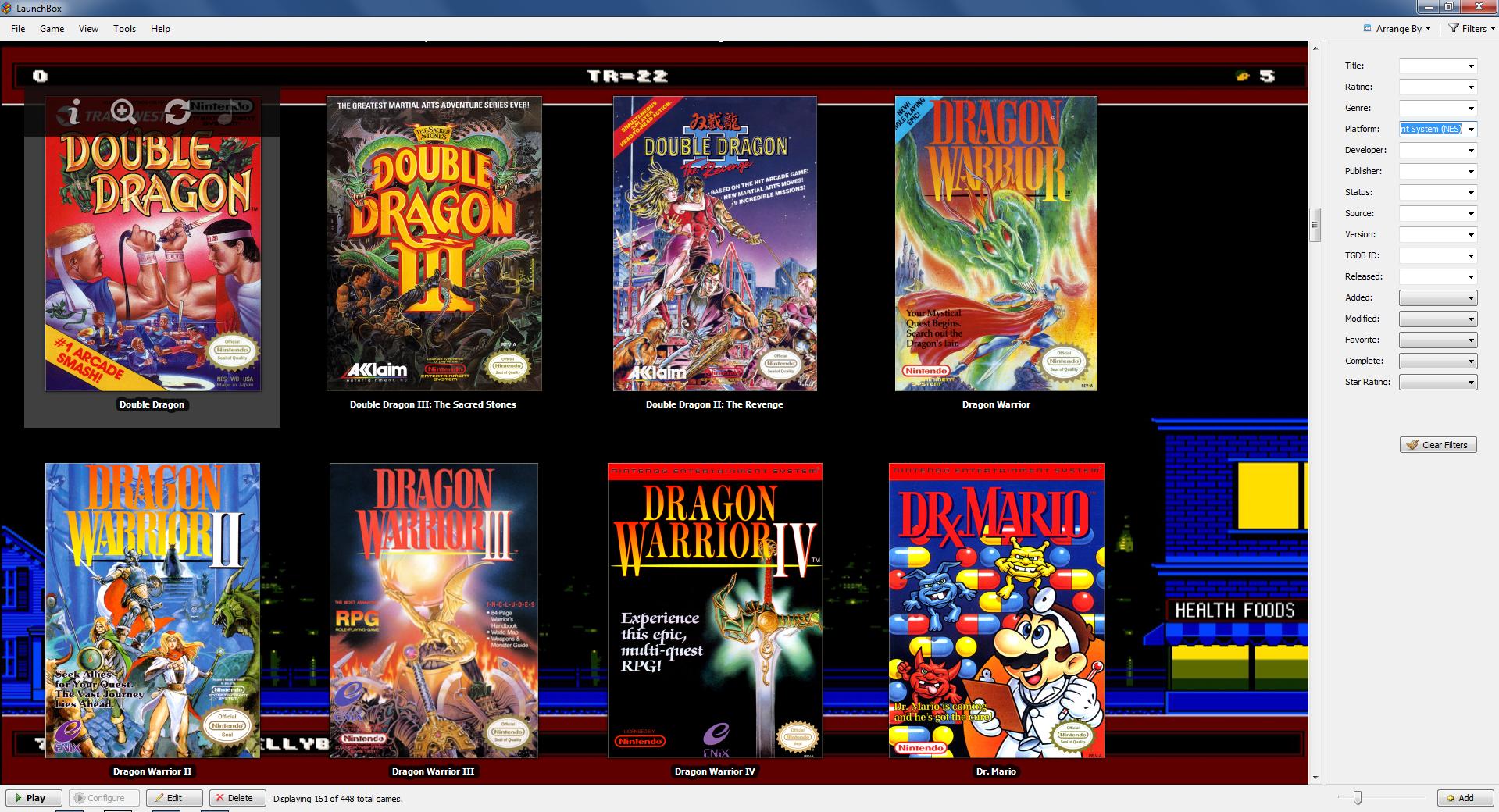
You’ll have to jump through a few more hoops to get old video games working on your PC.
Microsoft’s official app store is now blocking support for programs that enable you to play ROMs for retro games on your PC. The company has updated the terms of its Windows Store, and it now includes explicit language that prohibits the inclusion of emulators on any device. That means Windows Phone, Windows 10 PCs, and Xbox One consoles.
“Apps that emulate a game system are not allowed on any device family,” reads a recent update to the Windows Store.
Previously, you could find apps that would emulate consoles like the Nintendo Entertainment System, the Sega Genesis, and the Nintendo 64. NesBox, creator of the Universal Emulator app that supports the aforementioned platforms as well as Game Boy Color and Game Boy Advance, is no longer on the service. It was once one of many programs that enabled this sort of emulation, but Microsoft has unpublished all of them.
Universal Emulator has been unpublished 🙁 Apps that emulate a game system are not allowed on any device family. https://t.co/tmgw7K6l2q pic.twitter.com/B3pyDZ0IDW
— NESBOX (@nesboxcom) April 4, 2017
This does not mean you cannot emulate older games on a PC. Websites like Emuparadise.me are still dedicated to hosting scores of programs that can run ROMs from just about any system you can think of. I’ve reached out to Microsoft, however, to ask why it made this decision.
It’s likely that Microsoft went through with this because it wants to avoid any potential legal liability. If it sells or distributes emulators through its official store, a company like Nintendo could claim in court that Microsoft was actively participating and benefiting from copyright infringement. That’s something Nintendo would have a tougher time proving for an app you can download from the internet and install on Windows due to the open nature of personal computers.