
Partner Content presented by Xsolla
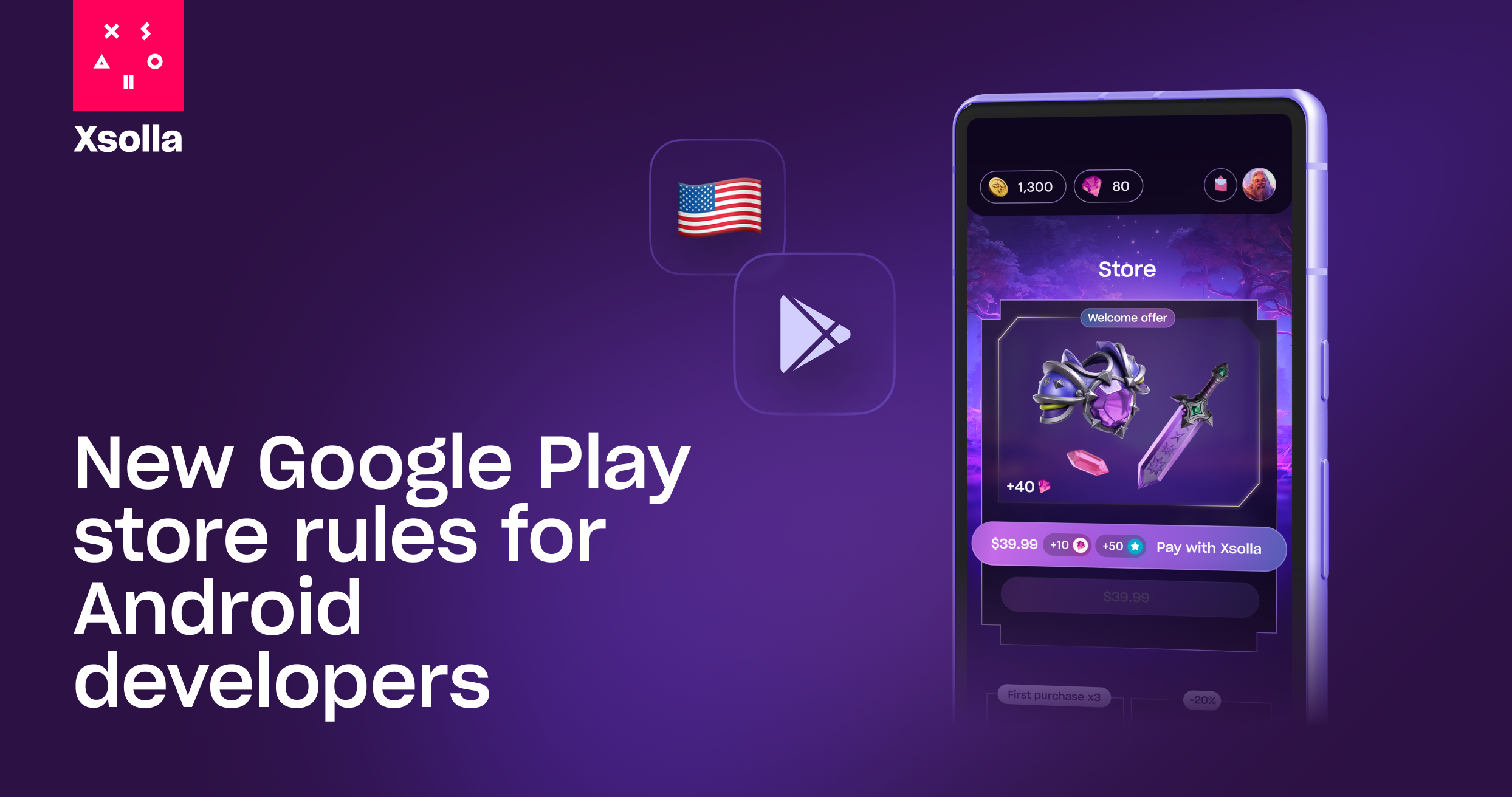
The mobile gaming industry has reached a defining moment. As of October 29, 2025, Google Play developers in the United States can now integrate external purchase options directly into their games.
Together with the April 2025 iOS App Store policy update, developers can finally choose how and where their players pay. This ends years of platform exclusivity and opens the door to true direct-to-consumer monetization: higher margins, stronger player relationships, and full control over the purchase experience.
A new era for Google Play developers
Google now allows developers to include external purchase links inside apps and lifts anti-steering restrictions, meaning studios can link players to external checkout pages, while keeping up to 95% of each transaction.
Here’s what you need to know starting October 29:
Injunction provision | What it means for developers | Direct impact on revenue |
Alternative in-app billing | Google no longer forces you to use Google Play billing. Integrate alternative payment providers, such as Xsolla and the Web Shop solution. | Save up to 95% of gross revenue per transaction (up to 30% Google’s fee vs. Xsolla’s fee + PSP fees). |
Anti-steering ban lifted | Place a buy button, promo banners, links, or messages inside your game. | Drive players to your best-value web shop offers to boost margins and loyalty. |
Third-party store distribution from July 2026 | Launch and distribute your own branded app store. | Diversify your distribution strategy. |
Sustained results show strong performance
On iOS, where similar rules took effect earlier this year, Xsolla data and insights show how developers who embedded a link in their game that led directly to web-based checkout saw an average increase of up to 120% in direct-to-consumer revenue, while simple link-outs to a full web shop delivered roughly 65% growth.
These figures represent an average baseline; real results can be significantly higher. The difference depends on how effectively developers communicate value to their users and leverage the Web Shop mechanics like welcome offers, daily login rewards, and loyalty shops to increase player retention and repeat engagement.
The strongest outcomes come from studios treating direct sales as part of your core experience rather than as an optional experience. The approach helps players build a new habit of buying directly from your game, where they get more value for the same or even lower price.
What should developers do now
By adding Buy Button to in-game purchases, you can shift a significant share of existing IAP volume to direct sales while capturing more value per transaction.
This guide outlines what you need to know to launch a Buy Button and how to launch it in less than 24 hours.
How to set up your Buy Button in 5 simple steps
- Sync your catalog and SKU IDs: All in-game items you want to sell through the Buy Button must have a corresponding SKU in your web shop.
- Set up user authentication: Implement authentication via links from the game client (deep links) so players are identified when clicking the Buy Button.
- Add in-game checkout with Buy Button: Instead of triggering a native in-app payment, redirect players to a browser checkout for the specific item.
- Return the user to the game automatically: After payment, configure redirects to return the player to the game seamlessly.
- Make the value clear and reward players for using Buy Button: Offer added value (more currency, exclusive items, loyalty points) and highlight it so players choose the direct link.
Learn more here: How to set up your Web Shop | How to enable Buy Button