
PCs are meant for multitasking, but that’s not always a good idea. For example, you may not want to render HD video while playing an online shooter unless you want to deal with some serious lag.
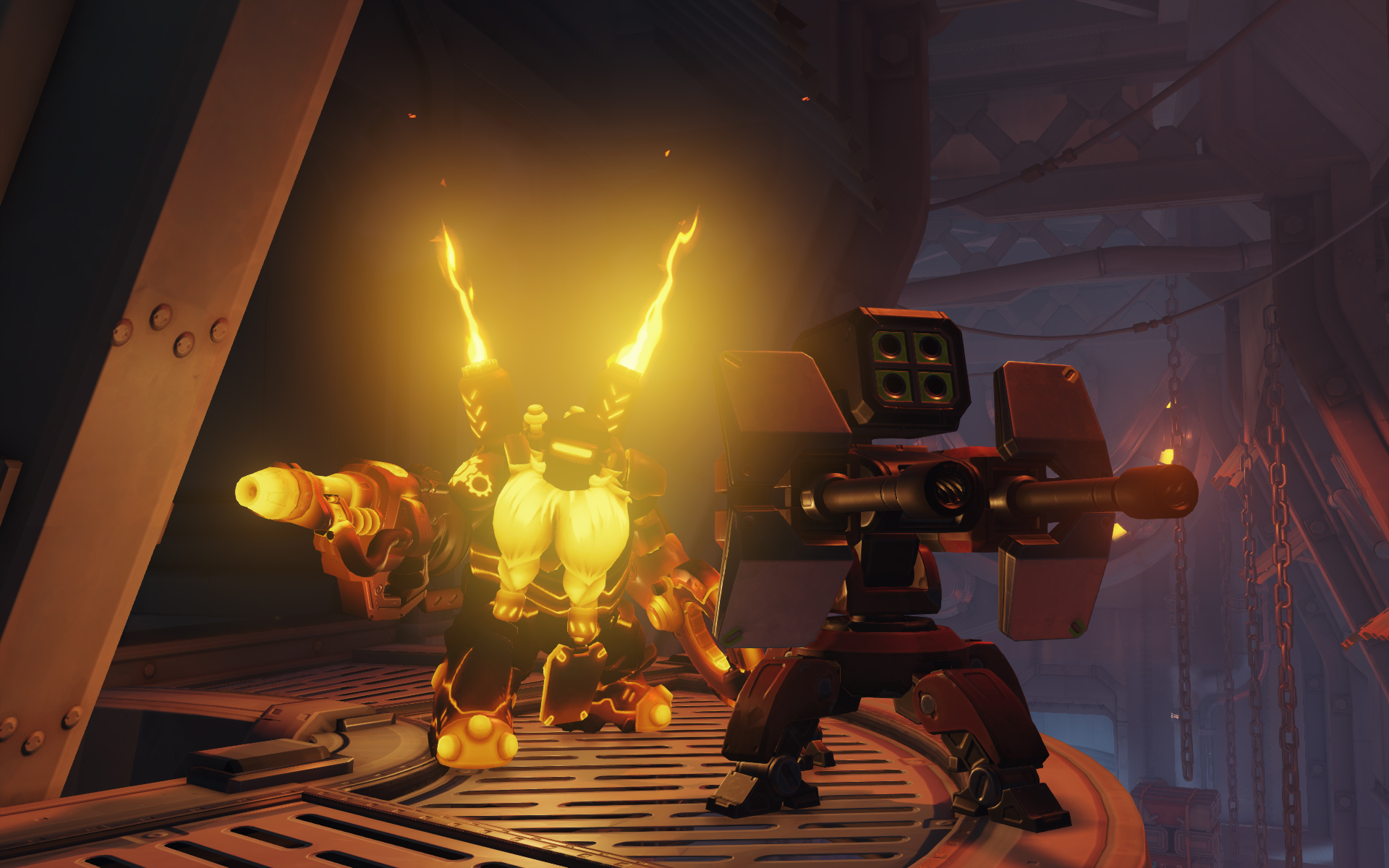
But sometimes liberty means flouting society’s conventions, and you just have to get in a game of Overwatch while Adobe Premiere hogs 95 percent of your CPU’s resources. In a situation like that, you’re going to want to go with the hammer-wielding Torbjörn if you want a chance to win. Even if it takes the game 10 seconds to receive your keyboard-and-mouse inputs, Torb’s auto-aiming turret means you’ll still have a chance to push your team to victory.
But don’t take my word for it. YouTube creator SirActionSlacks1 has put together a pro’s guide to playing Torb with serious lag. Check it out below, and marvel at the unbelievable aiming:
WORDs