
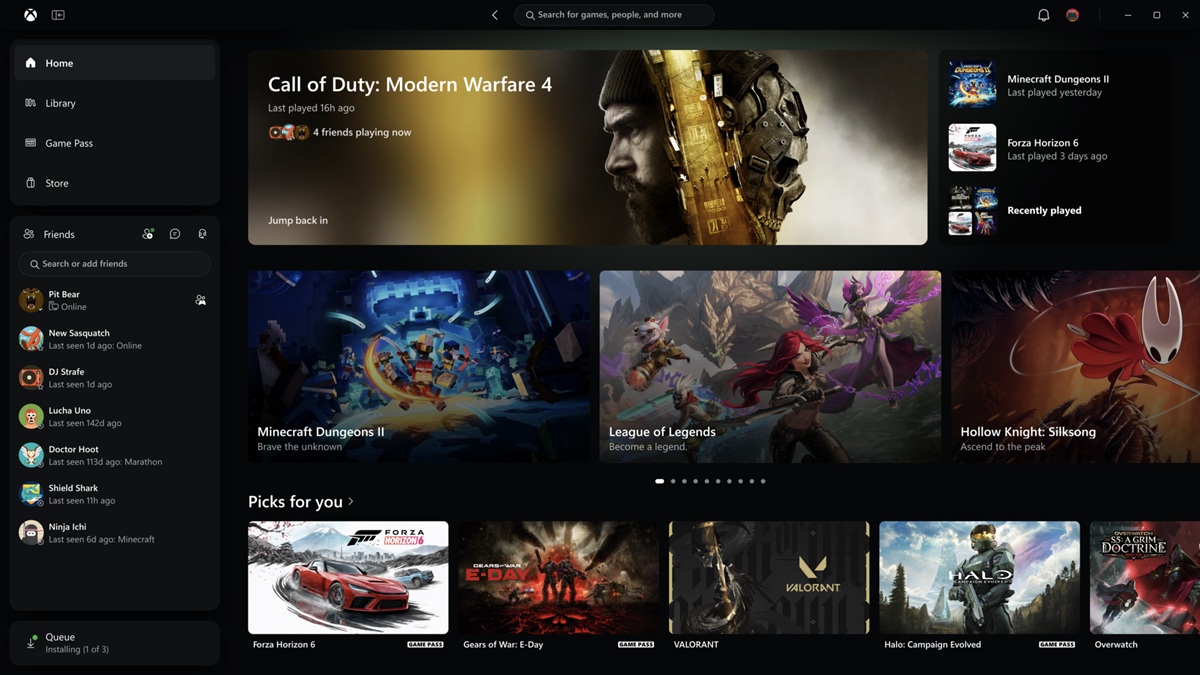
Xbox Insiders can try an updated Xbox PC app that launches up to 60% faster and makes it easier to find games, connect with friends, and play.
Microsoft said it is also bringing the refreshed Xbox web experience to more players and rolling out updates to Xbox cloud gaming apps on supported TVs and VR headsets. These changes are part of our work to make Xbox faster, simpler, and more familiar wherever you play.
Xbox said it heard where the experience could be better. There’s more to do, and your feedback will continue to shape what comes next.
Here’s what’s changing.
A faster, simpler Xbox PC app
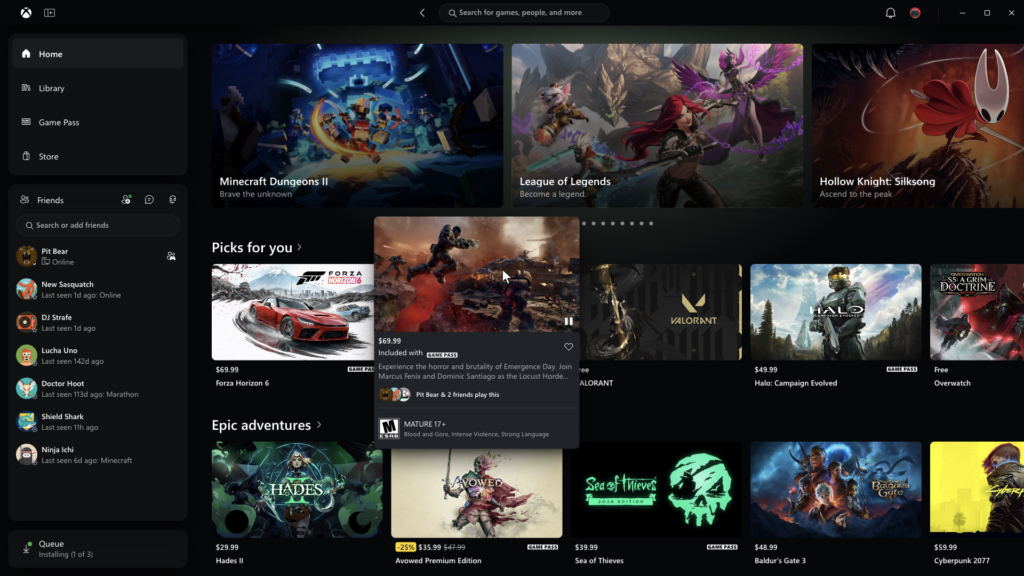
Xbox Insiders will start seeing improvements across the Xbox PC app designed to make everyday actions faster and easier:
- A faster, more responsive app: The app now launches up to 60% faster. Pages like Home, Store, and Game Pass load up to 50% faster, and in-app windows open up to 65% faster.*
- An easier-to-use Library: Simpler navigation, updated filters, and new ways to organize your games make it easier to browse your collection and find what you want to play.
- Friends are easier to reach: Friends and social features are now part of the main navigation, making it easier to see what friends are playing, start a chat, or join a party.
- Better search: Search across more of Xbox from one place, with results across games, including installed titles and add-ons, and people, so it’s easier to find what you’re looking for.
- A cleaner look and feel: Refreshed game cards, Home, Settings, and animations make the app easier to scan and navigate.
*Performance improvement results are based on testing and may vary by device, internet connection, system configuration, usage, and other factors.
Bringing the refreshed Xbox web experience to more players
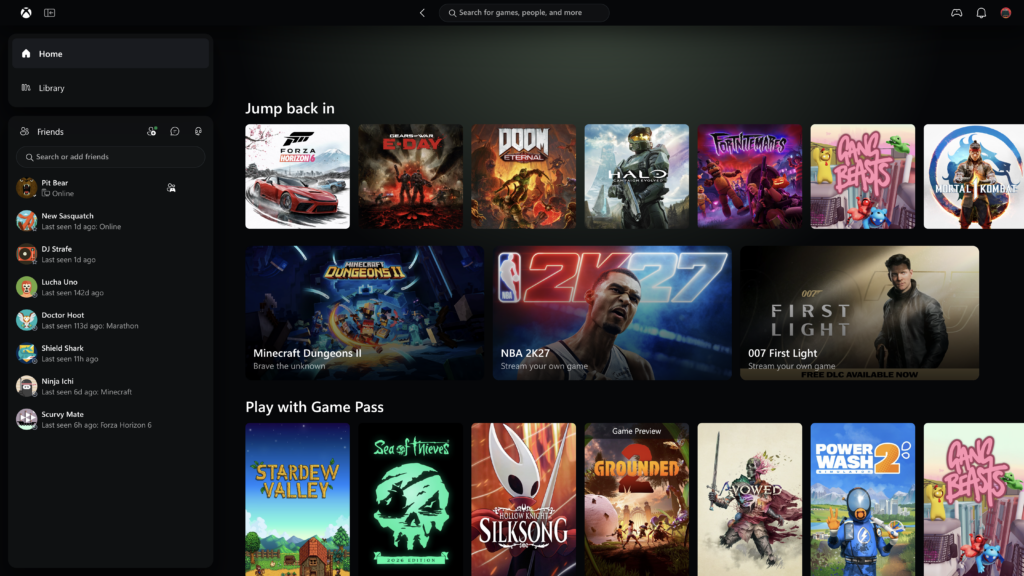
Earlier this year, we invited Xbox Insiders to preview a refreshed way to play through Xbox cloud gaming on the web. Over the next few weeks, we’ll bring it to more players automatically. If you want to try it sooner, head to play.xbox.com.
The updated experience also makes it easier to find and play your games:
- Your cloud games in one place: A new Library tab brings together the games you can play through cloud, whether you own them or access them through Xbox Game Pass. Browse, sort, and filter by recently played, genre, input options, and more.
- More room to browse on larger screens: Desktop mode makes better use of the space on PCs and larger displays, so you can see more as you browse and find games.
- More ways to make it yours: Choose between dark and light modes, along with five new high-contrast options designed to support different visual needs and preferences.
A familiar XBOX experience on more screens
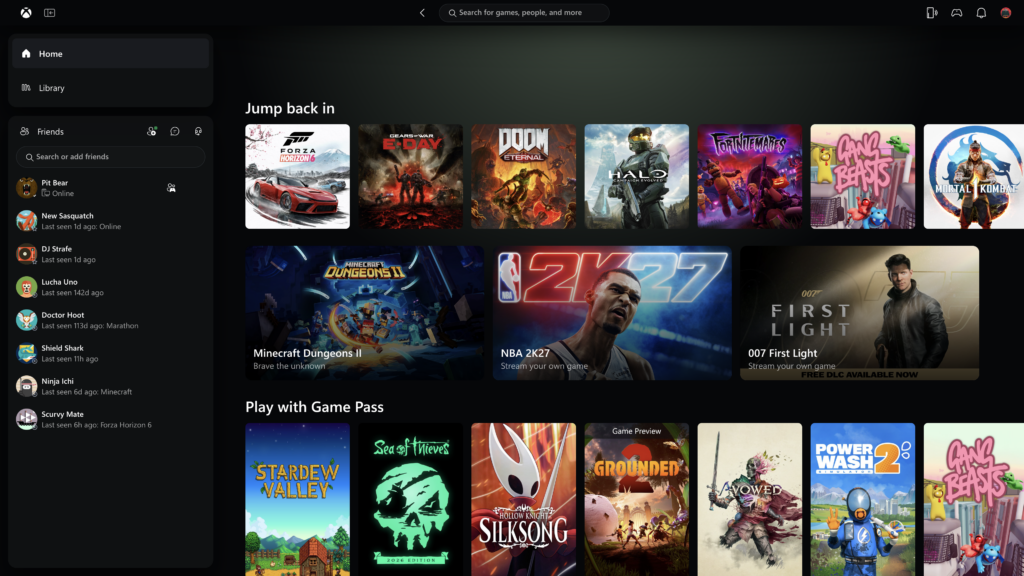
Xbox is also beginning to bring the refreshed look and navigation to Xbox cloud gaming apps on supported TVs and VR headsets.
Playing on a PC, TV, or VR headset is different, and each experience needs to work well for the screen you’re using. Wherever you play, the basics should feel familiar: finding your games, knowing what you can play, and getting into a game quickly.
These updates are another step toward making Xbox easier to use, more responsive, and more familiar wherever you choose to play. We’ll continue listening to player feedback and improving over time.
Thanks to Xbox Insiders for all of the feedback. You can also visit aka.ms/XBOXplayervoice to share what you think.
If you’re an Xbox Insider looking for support, you can join the community on the Xbox Insider subreddit. Official XBOX staff, moderators, and fellow Xbox Insiders are there to help. Microsoft recommends adding to threads with the same topic before posting a brand new one. This helps us support you the best we can!
If you aren’t part of the Xbox Insider Program yet and want to help create the future of Xbox and get early access to new features, you can join the program today by downloading the Xbox Insider Hub for Xbox Series X|S & Xbox One or Windows PC.