
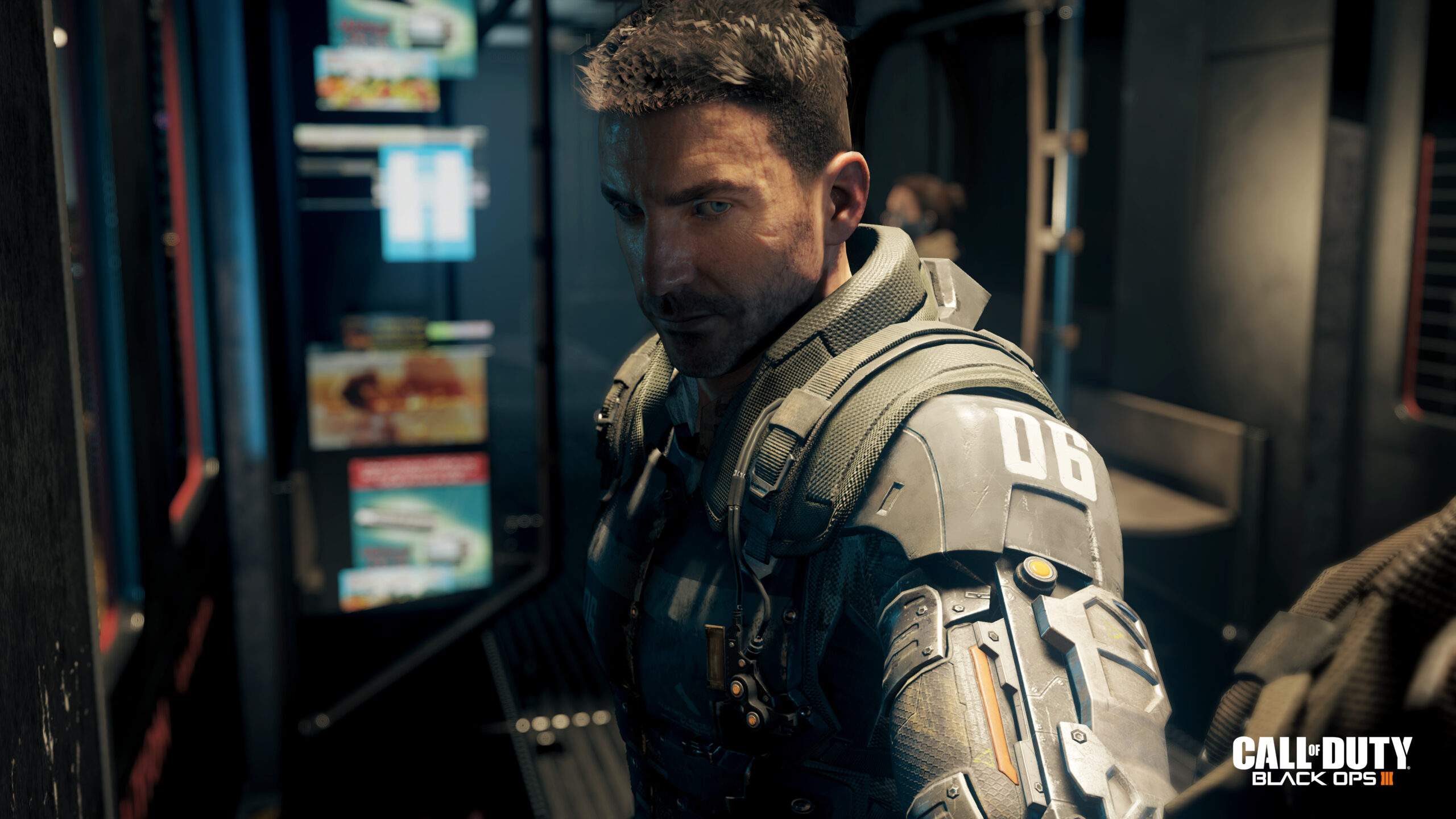
We’re going to have you running on walls and shooting guns in no time.
If you spent all morning downloading the Call of Duty: Black Ops III multiplayer beta only to find out that it won’t install, you need to make one quick adjustment to your PlayStation 4. This beta needs the most recent PS4 system software to work. If you’re seeing the “cannot install” error screen, it’s probably because you’re running an out-of-date version of the PS4 operating system.
Here’s what you need to do if you’re seeing the following screen:
https://twitter.com/top5ideas/status/634051105073160192/photo/1
Hit the PlayStation button in the middle of your DualShock 4.

Go to the top menu bar and select settings.

Now, select “System Software Update.”

Once in this setting, go through the update process. If you do not have an update available, I’m sorry. Something else is wrong with your Black Ops III download. But I’m betting that for most people, you’ll just need to go through this update process.
Let us know how this worked for you.