
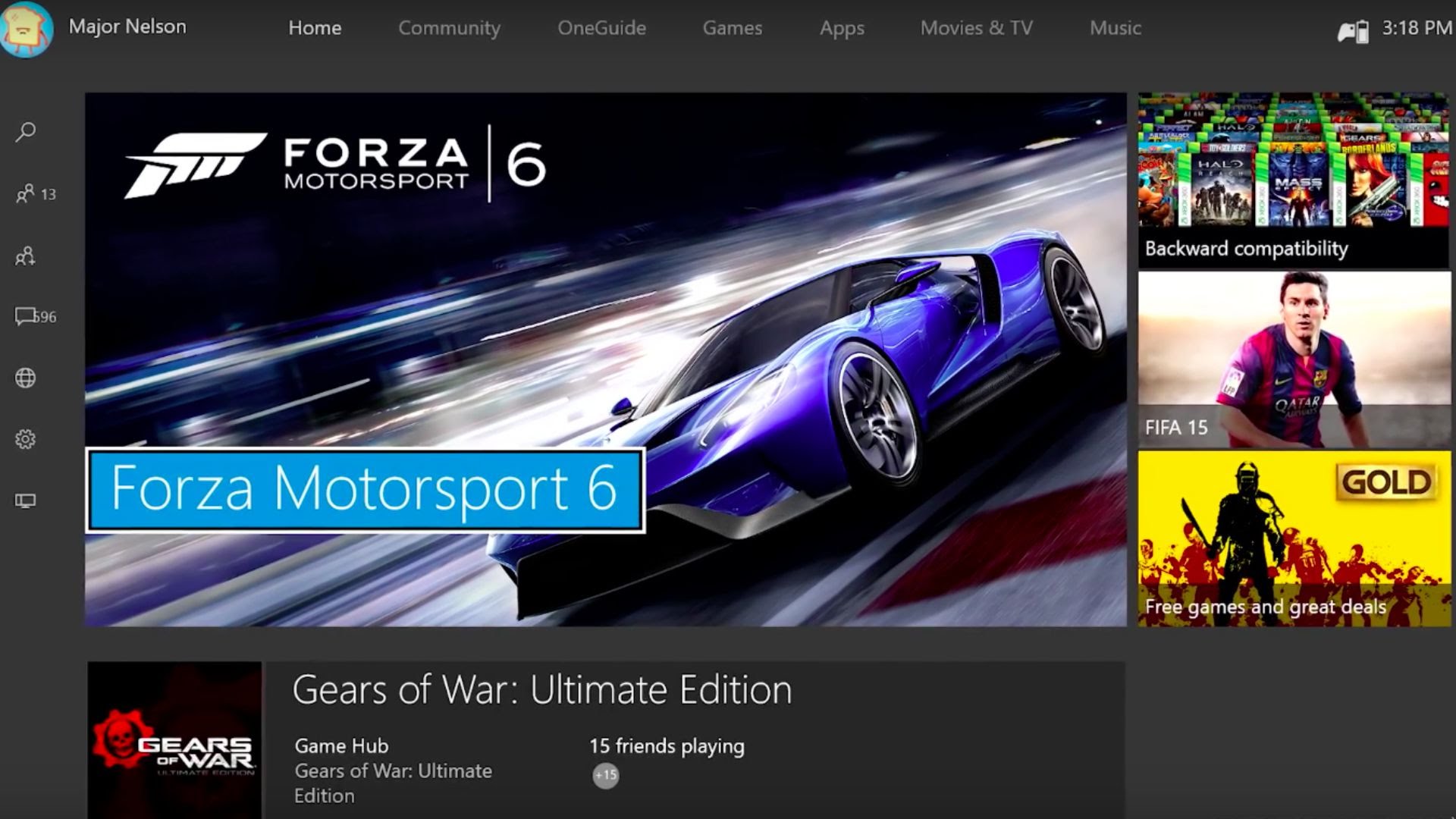
Microsoft is rolling out the biggest Xbox One update ever tonight, so it’s time to ensure your console is ready to get it.
We’ve already given you a preview of the New Xbox One Experience (NXOE), but it’s about time for you to get your hands on it as well. Microsoft announced that it will begin pushing the update out to its users at midnight tonight, which is 3 a.m. Eastern. So with this patch only hours away, we want to help you get it onto your Xbox One.
Check if you are using Instant-on or Energy-saving power modes
First, we need to know if you use Instant-on. If you do, then you won’t have to do much because your console will automatically download the update.
To check, go to your setting, and then find the “Power mode & startup” section. You’ll see a bunch of options, but the only thing we care about is “Power mode.” If it says Instant-on, then you’re good to go.
But, if it says, Energy-saving, then we have to make a choice.
What to do if you use Energy-saving mode
The easiest thing to do here is to switch your console from Energy-saving to Instant-on, but you may not want to do that for obvious reasons. If you want the update but also enjoy saving energy, you’ll need to do the following steps at some point after midnight Pacific time tonight.
- Go to Settings.
- Go to System.
- If it says an update is available, click “Update Now.”

And that’s it. Let us know if you have any troubles!